

The hallway picture and the bedroom picture
A picture in a hallway gets two seconds, at an angle, from an arm's length. A picture in a bedroom gets the first and last minutes of your day. Two rooms, two kinds of art, and two settings worth changing.
 Wall Muse.
Describe the art you want, or pick a photo you already love. Wall Muse hangs it on your Samsung Frame TV. No cables, no file juggling, no leaving the sofa.
Free to start. No subscription required.



No SmartThingsWall Muse talks to your Frame itself
No cablesYour home Wi‑Fi is the whole setup
Private by designPhotos go phone to TV, nowhere else
One tap to your FrameFrom prompt to wall in moments


Say it

Watch it painted

Hang it
Pick a photo, frame exactly the part you want, and it is on your TV. Photos travel straight from your phone to your Frame over your home Wi‑Fi. They never leave your home.
Free forever


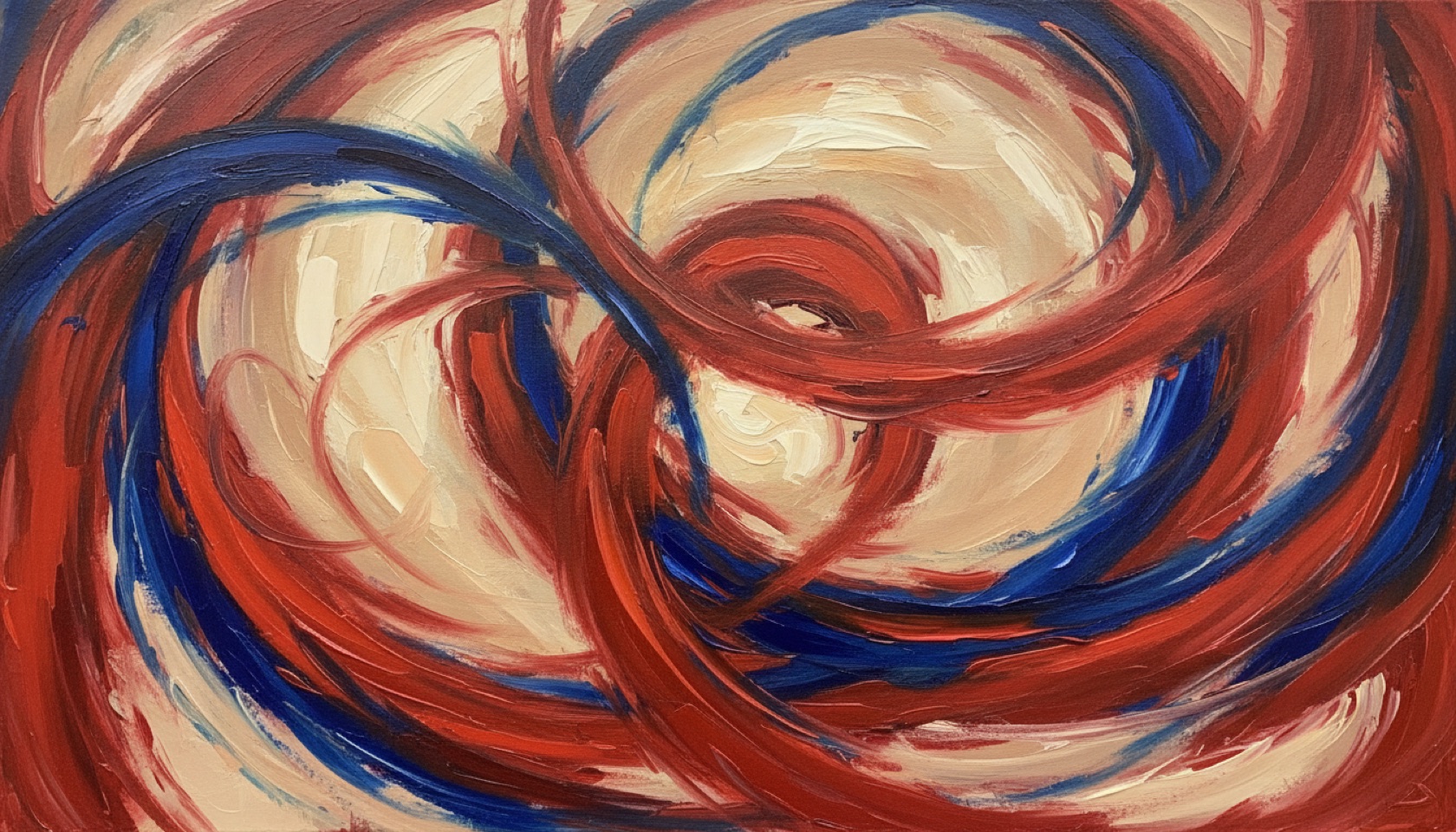
Nothing staged: every artwork on this page was painted by Wall Muse from the caption beside it, and every phone screen is the app itself, captured mid-use.



Type a line. A harbour at dusk. Wildflowers in gold light. Choose from twelve styles, oil to woodblock to line art, or let Wall Muse surprise you.
The canvas comes alive in front of you. Keep the piece, or turn the phrase over and paint again.
One tap and it is on your Frame in Art Mode, matte and still like it was always there.
Photos go phone to TV, directly. Over your own Wi‑Fi network. They never touch Wall Muse servers.
Prompts are not kept. When you paint with words, your prompt is used to create the piece and then it is gone.
No accounts, no SmartThings. Nothing to sign up for, nothing watching. The full picture is in the privacy policy.
Visitor
Patron
US$2.99 a month
or US$19.99 a year
Booster · US$2.49 once. 200 additional creations, valid for 30 days, for months when the muse will not quiet down.
Prices in US dollars; your App Store shows local pricing. Subscriptions renew automatically until cancelled. Details in the terms.
Recent Frames speak Samsung’s art channel; older Frames use a direct connection. Wall Muse carries both and picks the right one for your TV.
One network. Your iPhone or iPad and your Frame just need to share a Wi‑Fi network. The first time you connect, your TV asks once with an Allow prompt.
Stuck? The support page covers finding your Frame, manual IP entry, and everything else.
What changed, what hangs well, and what is newly up from the vaults. A new note most weeks.
A picture in a hallway gets two seconds, at an angle, from an arm's length. A picture in a bedroom gets the first and last minutes of your day. Two rooms, two kinds of art, and two settings worth changing.
A furniture fair is showing Frames styled into rooms as art this week, and the thing that makes that work is not a setting. It is how high the screen sits, and most walls let the bracket decide.
The Frame is now sold on how it behaves in a bright room, and that is the right fight. What nobody mentions is that a glare free panel quietly changes which pictures hang well before noon.
Which TVs does Wall Muse work with?
Samsung Frame TVs, recent and older models both; see Compatibility above. Your phone and TV just need to share a Wi‑Fi network.
Do I need cables or the SmartThings app?
No. Wall Muse finds your Frame on your home network by itself. Approve the Allow prompt once with your TV remote and you are set.
Where do my photos and prompts go?
Photos travel directly from your phone to your TV and never touch our servers. Prompts are used to create the piece and are not kept. The full picture is in the privacy policy.
Who actually creates the artwork?
A state of the art image model, directed by your words and tuned by Wall Muse for wall-worthy, gallery-quality output. You are the artist; we are the studio.
Can I keep the art?
Yes. Every piece lands in your library on your phone, at full Frame resolution, yours to keep and hang as often as you like.

